Plotter Documentation
Plotter is a small Python library for drawing beautiful plots on top of Matplotlib. This site turns the package docstrings into a browsable reference, so users can quickly discover the canvas lifecycle, drawable objects, text-file conventions, and helper functions.
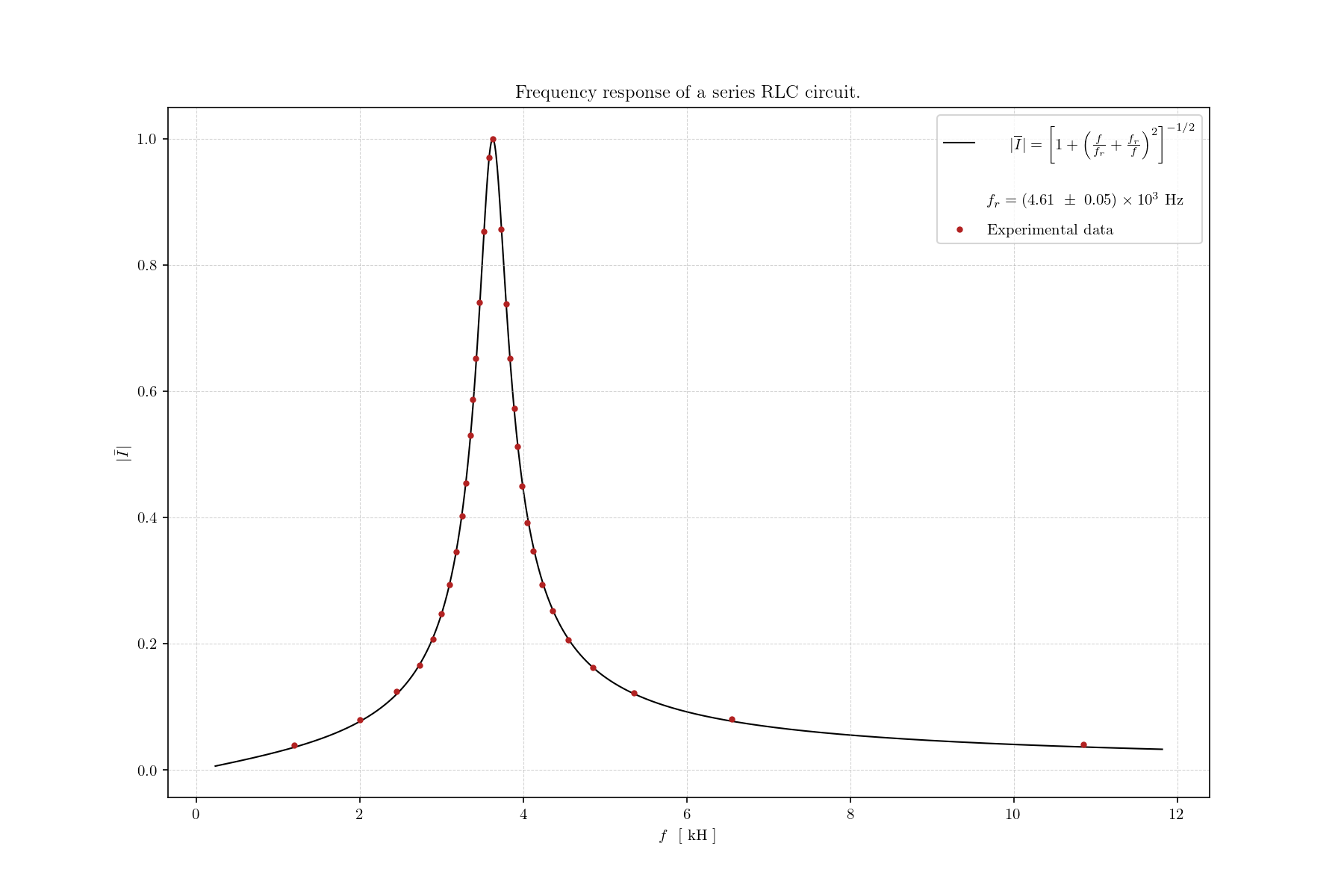
Start Here
The library is centered on a Canvas context manager. Create one canvas, configure
its subplots, draw one or more drawable objects, and let the context manager save,
show, or close the Matplotlib figure.
import numpy as np
import plotter as p

x = np.linspace(-5, 5, num=50)
y = x**2

with p.Canvas("example.json", rows_cols=(1, 1), show=False) as canvas:
    canvas.setup(0)
    p.ScatterPlot(x, y).draw(canvas, label="data")
    p.FunctionPlot(x, lambda values: values**2).draw(canvas, label="model")
What To Read
- Quickstart: setup, workspace layout, and the main plotting flow.
- API Reference: every module, class, method, and function with a docstring.
- Canvas: figure lifecycle, subplot setup, legends, ticks, guide lines, and scale bars.
- Drawables: scatter plots, line plots, bar charts, histograms, and images.