Quickstart
Install
From the project root:
Create A Workspace
Call plotter.setup_workspace() in the directory where you want Plotter to place
runtime assets. It creates folders for generated images, logs, text files, and
bundled helper resources.
Add Plot Text
Canvas text comes from JSON files in plotter/text. Each subplot entry can define
axis labels, a title, and drawable labels:
[
  {
    "title": "Example",
    "x_label": "x",
    "y_label": "y",
    "scatter_plots": ["data"],
    "line_plots": ["model"],
    "bar_charts": [""],
    "histograms": [""]
  }
]
Draw
import numpy as np
import plotter as p

x = np.linspace(0, 10, 100)

with p.Canvas("example.json", show=False, save="example.png") as canvas:
    canvas.setup(xlim=(0, 10), ylim=(-1.2, 1.2))
    p.FunctionPlot(x, np.sin).draw(canvas, color="darkgreen", label="sin(x)")
    canvas.draw_line("h", point=0, linestyle="--")
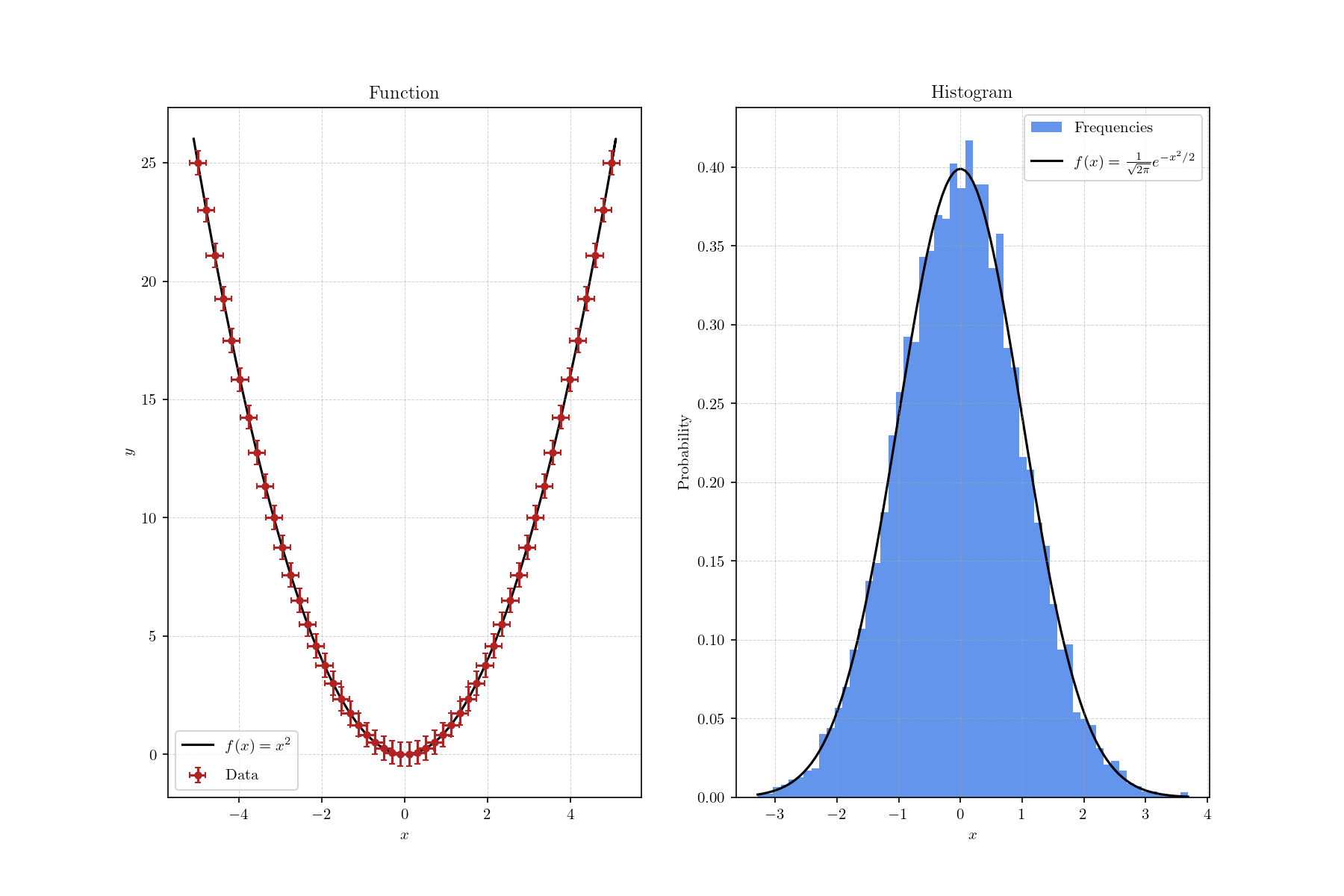
Custom Layouts
rows_cols=(n_rows, n_cols) gives a regular grid. For anything else, pass layout= a
mosaic of plot_n indices instead: repeating an index makes that subplot span several
cells, and None leaves a cell empty. The JSON file needs one entry per distinct subplot.
sharex/sharey (True, "row", or "col") link the subplots' axes, hiding the
redundant tick labels.